Nothing to download
ReadyInk runs at app.readyink.ai, so there's no install, no update and no storage used on your phone. The same account works on every device.

ReadyInk is an electronic signature app that runs in any browser, on a computer, tablet or phone. Add any document, let AI place the fields and send it. Your signers tap a link and sign, with no app to download and no account to create.
By the ReadyInk team · Updated
ReadyInk runs at app.readyink.ai, so there's no install, no update and no storage used on your phone. The same account works on every device.
Add any document and AI places the signature, initials, date and text fields for each signer. You review them before anything is sent.
Automatic reminders go out every 3 or 7 days until each person signs, and you can set when a request expires.
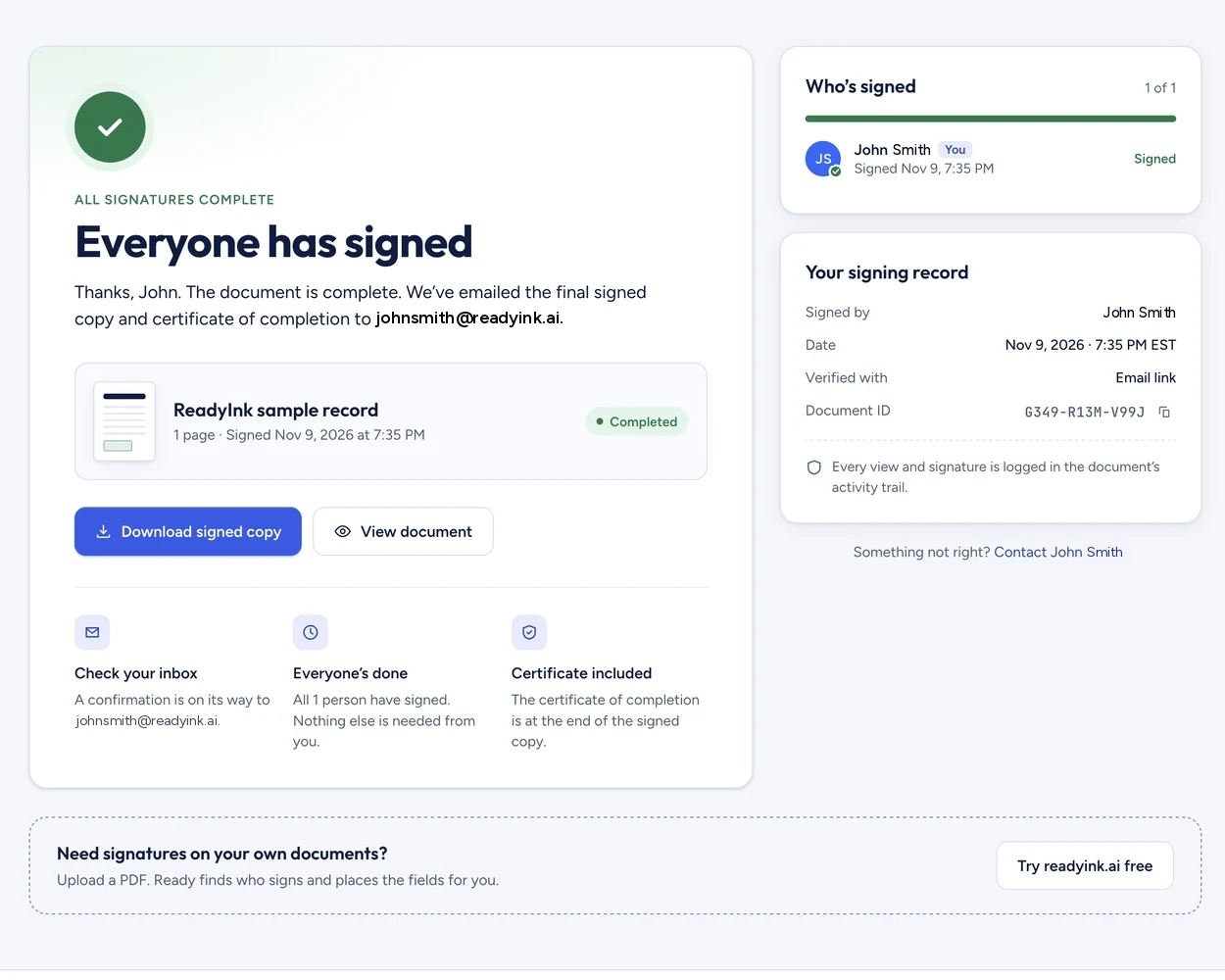
ReadyInk is an electronic signature app that runs in your browser on any computer, tablet or phone, so there's nothing to install. Add any document, let AI place the fields and send it. Signers tap a link and sign without an app or account. Signing your own document is free, and each other signer uses 1 token.
App stores are full of signature apps. Many of them are built for one person: they put an image of your signature onto a PDF stored on your phone. That works when you're the only one signing. It gets harder when a customer, a tenant or a new hire has to sign too, because you need to send the document, follow up and keep a record, and you can't ask every signer to install the same app.
ReadyInk works the other way around. You use it from your browser, and so do the people you send to. A signer opens the email on their phone, taps the link and signs. There's nothing for them to download, and nothing for you to install either.
| Many phone signature apps | ReadyInk | |
|---|---|---|
| Install | Download from the App Store or Google Play | Nothing to install; runs in the browser |
| Who signs | Often just you | You, other people, or both |
| What signers need | The file, sent back and forth by email | A link; no account or app |
| Field setup | Drag your signature into place by hand | AI places signature, initials, date and text fields |
| Follow-ups | Up to you | Automatic reminders every 3 or 7 days |
| What you keep | The signed file | Signed PDF, completion certificate and audit history |
An e-signature app is most useful when it's where you already work. ReadyInk connects to:
Your signer opens the email on their phone and taps the link. If you added their mobile number, they confirm a text code first. Then they tap each highlighted field, draw their signature with a finger or type it, and finish. When everyone has signed, each person gets the signed PDF with its certificate of completion.
If you only need to sign something yourself, your phone can help too: Apple explains how to fill out forms and sign documents on iPhone, and Google Drive can annotate PDFs on Android. Our step-by-step guides cover signing a PDF on iPhone and signing a PDF on Android.
Signing your own document is free with Sign it yourself. When you send to other people, each signer uses 1 token. Token packs start at $10 for 20 tokens and go down to $0.25 per signer on the $100 pack, and purchased tokens never expire. Copies to extra recipients and reminders don't use tokens. Teams pay $15 a month for 3 users and 30 shared monthly tokens. For a broader look at features and pricing, see e-signature software or sign documents online.
No. ReadyInk runs in the browser at app.readyink.ai, so there's nothing to install or update, and the same account works on a computer, tablet or phone.
No. Signers open a link from their email and sign in their browser on any device, without creating an account.
Yes. Open ReadyInk in your phone's browser, add the document, choose Sign it yourself and draw or type your signature. Signing your own document is free.
There's no subscription for individuals. Each person you send a document to uses 1 token, and token packs start at $10 for 20 tokens. Teams pay $15 a month for 3 users and 30 shared monthly tokens.
Create your ReadyInk account in seconds. Start with a $10 token pack or set up your team.