How to Collect Multiple Signatures on One Document
Learn how to collect multiple signatures on one document: parallel vs. sequential signing, step-by-step setup, costs and tips to keep signers moving.

Quick answer
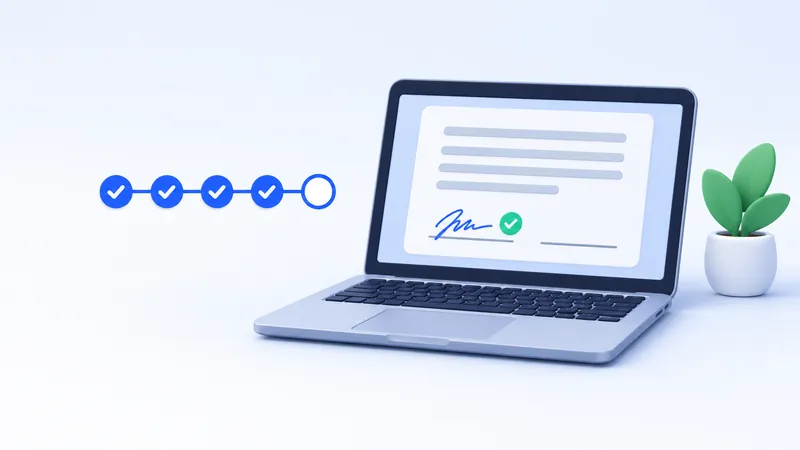
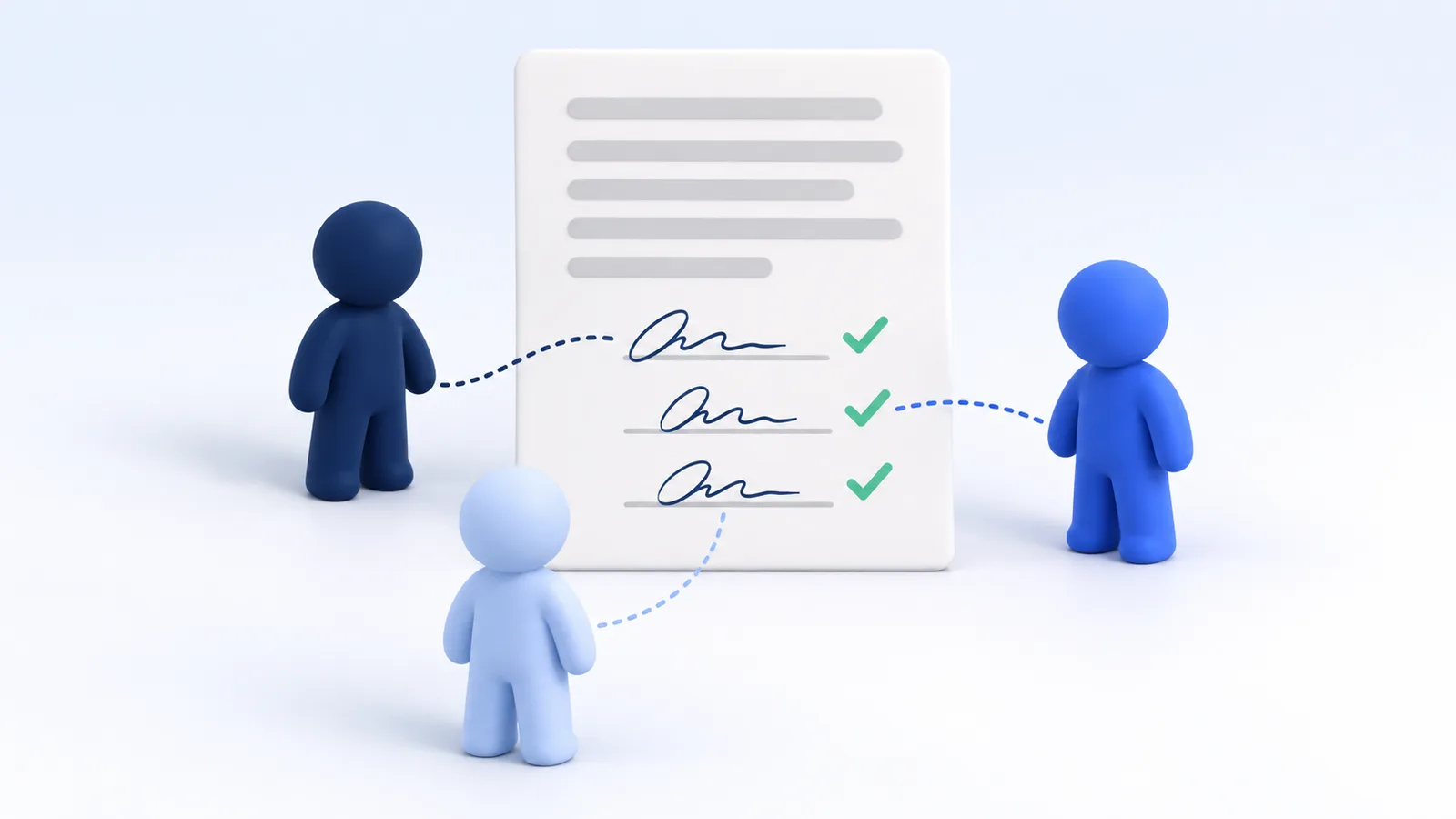
To collect multiple signatures on one document, add the file to an e-signature tool, enter each signer's name and email, give each person their own fields and choose whether they sign all at once or one after another. ReadyInk's AI places and assigns every signer's fields, and each signer uses 1 token.
Key takeaways
- One shared document beats emailing separate copies around.
- Parallel signing is usually fastest; use sequential only when order matters.
- Give each signer their own fields so nobody signs someone else's line.
- ReadyInk charges 1 token per signer, and copy recipients are free.
Leases, partnership agreements, offer letters with a countersignature and contracts with two clients all need more than one person's name on the same page. Knowing how to collect multiple signatures on one document keeps you from juggling several copies and stitching the signed pages together afterwards. This guide explains the two ways signers can be routed, how to set it up and how to avoid the mistakes that stall multi-signer documents.
Why not just email the file around?
You can email a PDF to the first signer, wait for it back, then forward it to the next person. It works for two people who answer quickly, but it breaks down fast.
- Versions multiply. Each signer returns a different file, and it's easy to end up with two half-signed copies.
- You can't see progress. You only know someone has signed when the file lands back in your inbox.
- Follow-ups are manual. Every nudge is another email you have to remember to write.
An e-signature tool keeps one shared document. Each person signs their own fields on the same copy, and you see where it stands the whole time.
All at once or one after another?
There are two ways to route a document to several signers. Choosing the right one is the most important decision in a multi-signer request.
| Routing | How it works | Use it when |
|---|---|---|
| All at once (parallel) | Everyone gets the link at the same time and signs whenever they're ready | Signers are equals, such as co-tenants or two business partners |
| One after another (sequential) | The next person gets the link only after the previous one signs | Order matters, such as a client signing before your team countersigns |
All at once is usually faster because nobody waits on anyone else. Use one after another when a later signer should only see the document once an earlier signer has committed to it.
Most e-signature tools offer both. DocuSign's help on adding recipients uses a Set signing order check box, and Adobe's guide to sending for signature switches between Complete in Order and Complete In Any Order.
How to collect multiple signatures on one document with ReadyInk
With ReadyInk the whole setup takes a few minutes, and nobody needs to create an account to sign.
1. Add the document
Start a New document and add your file. Word files, PDFs, Rich Text, OpenDocument text and JPG or PNG photos of paper forms all work, with no conversion first.
2. Add every signer
Enter each person's name and email address. Double-check spellings now, because a typo sends someone else's signature request to the wrong inbox.
3. Let AI place each person's fields
ReadyInk's AI reads the document, works out who signs where and places each signer's signature, initial, date and text fields, assigned to the right person. You review every field and fix anything before it goes out.
4. Choose the order and send
Choose whether people sign all at once or one after another, then send. You can set reminders every 3 or 7 days and choose when the request expires. Anyone who just needs a copy can be added as a copy recipient for free.
5. Track it to Completed
The document shows as Out for signature while people are signing and Completed when the last person finishes. If anyone refuses, it shows as Declined so you can follow up.
What does it cost to add more signers?
Pricing models differ here, so check before you pick a tool. Some charge per document no matter how many people sign. Others charge per seat each month, and some cap how many signers fit on one request.
ReadyInk charges per signer: 1 token covers one signer on one document. A three-person partnership agreement uses 3 tokens. Packs start at $10 for 20 tokens and go down to $0.25 each in larger packs, and purchased tokens never expire. Copy recipients and reminders don't use tokens. Our guide to pay-per-signer vs. subscription pricing shows when each model costs less.
Signing your own copy first? Signing a document yourself in ReadyInk is free, so you can add your signature before sending it to the other parties.
Tips to keep multi-signer documents moving
- Tell everyone it's coming. A short heads-up from you makes people trust the email and sign sooner.
- Use one after another sparingly. Every step in a sequence is a chance for the document to sit in one person's inbox.
- Put the slowest signer first in a sequence. If one person always takes days, get them out of the way before the quick signers.
- Turn on reminders. Automatic reminders every 3 or 7 days do the nudging so you don't have to.
- Save documents you send often as templates. On the Team plan, templates keep signer roles and fields, so you only add names and emails. Templates come with the Team plan only. See how to turn a PDF into an e-signature template.
For a full walkthrough of a single contract from draft to signed, read how to get a contract signed online. You can also compare options on our contract signing software and send documents for signature pages.
Sending a mutual NDA? Our guide on how to sign an NDA online shows how both sides sign one copy.
Frequently asked questions
Can two people sign the same PDF?
Yes. Add both people as signers in an e-signature tool, give each their own signature field and send one request. Each person signs their part of the same copy.
Can multiple people sign a document at the same time?
Yes. Choose all at once (parallel signing), and everyone gets the link together and can sign in any order. Use one after another only when the order matters.
What happens if one signer declines?
The request stops and shows as Declined, so you can talk to that person, fix the document if needed and send a new request.
How much does ReadyInk cost for a document with three signers?
It uses 3 tokens, one per signer. Token packs start at $10 for 20, and signers don't need an account.
Have a document that needs several signatures? Create your ReadyInk account, add the file, let AI place each person's fields and send it to everyone in a few minutes.
Sources and further reading
- DocuSign's help on adding recipients (support.docusign.com)
- Adobe's guide to sending for signature (helpx.adobe.com)