How to Sign an NDA Online (and Send One for Signature)
Learn how to sign an NDA online: a quick pre-signing checklist, signing one you were sent, and sending your own NDA for e-signature in minutes.

Quick answer
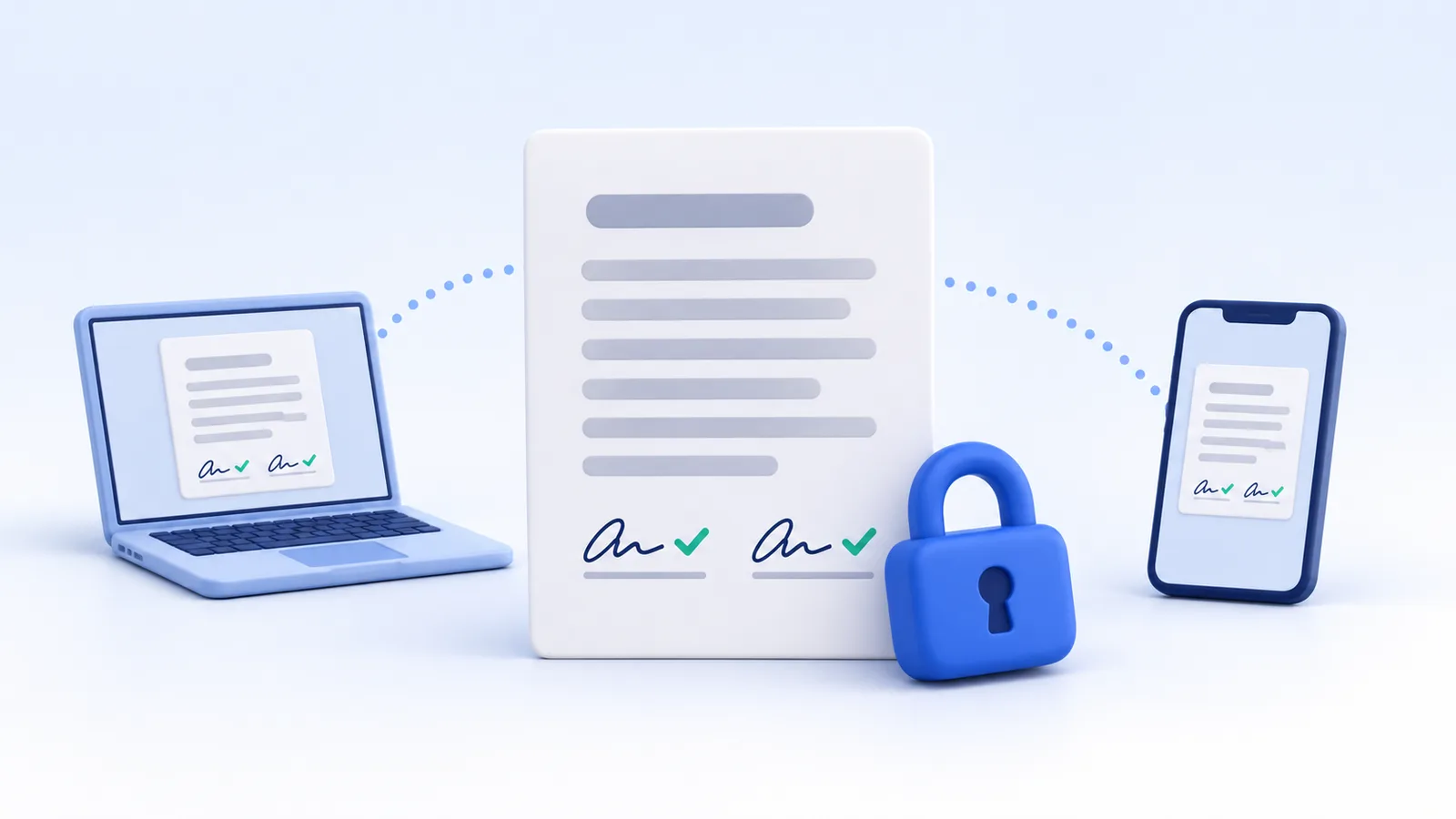
To sign an NDA online, open the signing link and sign, or if it arrived as an attachment, add the file to an e-signature tool, sign it and send it back. To get your own NDA signed, add it to ReadyInk, enter each signer's email, let AI place the fields and send. Each signer uses 1 token.
Key takeaways
- Read the parties, scope and term before you sign any NDA.
- Signing an NDA yourself in ReadyInk is free with Sign it yourself.
- Word NDAs can be sent as they are, with no conversion.
- A one-way NDA uses 1 token; a mutual NDA you also sign uses 2.
- Ask your attorney which NDA version and wording you need.
A potential partner, client or contractor wants an NDA in place before you share the details, and nobody wants to print, sign, scan and email it back. Knowing how to sign an NDA online turns that into a few minutes of work. This guide covers both sides: signing an NDA someone sent you, and sending your own NDA so the other party can sign it from any device.
What is an NDA, and who signs it?
A non-disclosure agreement is a contract in which the parties agree to keep certain information confidential, according to Cornell Law School's Legal Information Institute. NDAs are common before business negotiations, when hiring contractors and when sharing client lists or product plans.
There are two common shapes:
- One-way (unilateral) NDA: one side shares information and the other promises to keep it private. Often only the receiving party signs, though many NDAs have a line for both.
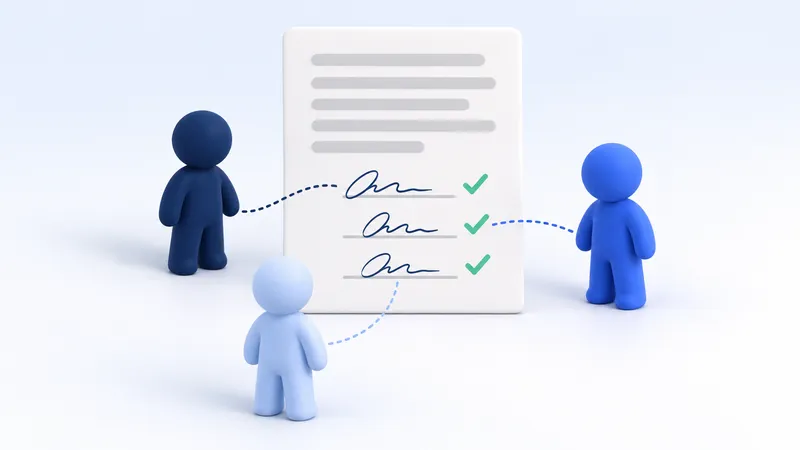
- Mutual NDA: both sides share information, so both promise confidentiality. As the LII definition of mutual puts it, the obligation applies equally to both parties, so both sign.
Which version you need, and what it should say, is a question for your attorney. This guide only covers getting the signatures done.
Before you sign: a quick checklist
Signing online is fast, so take a minute to read first. Look for these points before you add your name:
- The parties: are your name and company spelled correctly?
- What counts as confidential: is it limited to the project you're discussing?
- How long it lasts: look for the term and any end date.
- Your signature block: is there a line for you, plus a date and title if needed?
If anything looks off, ask the sender to change it before you sign. If you're unsure what a clause means, check with your attorney.
How to sign an NDA someone sent you
How you sign depends on how the NDA arrived.
If it came as a signing link
Open the email, review the NDA, fill in your fields and sign. Most e-signature tools, ReadyInk included, don't make signers create an account, and you'll get a copy once everyone has signed.
If it came as an attachment
If the NDA is a Word file or PDF attached to an email, you can sign it yourself and send it back. With ReadyInk, signing your own document is free with Sign it yourself: add the file, let AI place the fields, type or draw your signature and download the signed PDF. Reply to the sender with the signed copy attached.
On a phone? Our guides on how to sign a PDF on iPhone and how to sign a Word document cover those cases step by step.
How to sign an NDA online with ReadyInk and send it to the other party
If you're the one who needs the NDA signed, sending it for e-signature keeps everyone on one copy and shows you when it's done.
1. Add your NDA
Start a New document and add the NDA. A Word file straight from your attorney or template works as it is, with no conversion; so do PDFs, RTF, ODT and JPG or PNG photos of a paper copy.
2. Add the signers
Enter the other party's name and email. For a mutual NDA, add yourself as a signer too, so both signatures end up on the same document. Anyone who only needs a copy, like your business partner, can be added for free.
3. Let AI place the fields
ReadyInk's AI reads the NDA and places every signature, date, name and title field for each signer. Review the fields and adjust anything before you send.
4. Send and track
Choose whether people sign all at once or one after another, set reminders every 3 or 7 days and pick an expiry date if the offer to talk is time-limited. The document shows as Out for signature until everyone has signed, then Completed. If someone refuses, it shows as Declined.
How much does it cost to send an NDA for signature?
ReadyInk charges per signer: 1 token covers one signer on one document. A one-way NDA signed by the other party uses 1 token. A mutual NDA where you also sign uses 2. Copies and reminders are free, and failed sends are refunded.
Token packs start at $10 for 20 tokens and go down to $0.25 each in larger packs, and purchased tokens never expire. That suits NDAs, which tend to come in bursts around new deals rather than on a steady schedule. If your team sends NDAs often, the $15 a month Team plan covers 3 users with 30 shared tokens and includes reusable templates; templates come with the Team plan only. See how to turn a PDF into an e-signature template for setup.
Tips for faster NDA signatures
- Send it while you're still talking. An NDA that arrives during the call usually gets signed before the next meeting.
- Use all at once for mutual NDAs. Neither side has to wait for the other.
- Keep the subject line clear. Something like "NDA for our product discussion" helps people trust the email.
- Turn on reminders. They do the follow-up for you, so the conversation isn't stuck waiting on paperwork.
For more on sending agreements, read how to get a contract signed online, or see ReadyInk's contract signing software and sign documents online pages.
Frequently asked questions
Can you sign an NDA electronically?
Many businesses sign NDAs electronically, using a signing link or by signing the file and sending it back. Whether e-signatures suit your specific agreement is a question for your attorney.
Do both parties need to sign an NDA?
It depends on the agreement. Mutual NDAs are usually signed by both sides, while one-way NDAs may only need the receiving party's signature, so follow the signature blocks on the document.
Can I sign an NDA on my phone?
Yes. Signing links open in a phone browser, and you can sign with your finger. With ReadyInk, signers don't need an account or an app.
How much does it cost to send an NDA with ReadyInk?
One token per signer, so 1 token for a one-way NDA and 2 for a mutual NDA you also sign. Signing an NDA yourself is free.
Have an NDA to send today? Create your ReadyInk account, add the file, let AI place the fields and get it signed in minutes.
Sources and further reading
- Cornell Law School's Legal Information Institute (law.cornell.edu)
- LII definition of mutual (law.cornell.edu)